4 ประโยคที่จะทำให้มือใหม่ คุยกับ AI Coding Tools ได้ดีขึ้น
เคยมั้ยเวลาคุยกับ Tools พวกนี้ คุยไปคุยมาแล้วหัวเสีย ไม่ได้ดั่งใจ บอกให้แก้ที่นึง พี่เค้าดันไปแก้อีกที่นึง บอกทำอย่างนึง ทำมาให้อีกอย่างนึง แถมฟีเจอร์พ่วงมาอีกเป็นขบวน ซึ่งเราอาจจะไม่ได้ต้องการ และยังจับทางไม่ถูกว่าถ้าจะสร้าง Feature บางอย่างต้องคุยยังไง
เคยมั้ยเวลาคุยกับ Tools พวกนี้ คุยไปคุยมาแล้วหัวเสีย ไม่ได้ดั่งใจ บอกให้แก้ที่นึง พี่เค้าดันไปแก้อีกที่นึง บอกทำอย่างนึง ทำมาให้อีกอย่างนึง แถมฟีเจอร์พ่วงมาอีกเป็นขบวน ซึ่งเราอาจจะไม่ได้ต้องการ และยังจับทางไม่ถูกว่าถ้าจะสร้าง Feature บางอย่างต้องคุยยังไง
บทความนี้แนทอยากแชร์ประโยคง่ายๆ 4 ข้อ ที่แนทใช้เป็นประจำเวลาคุยกับ AI coding tools เทคนิคเหล่านี้ได้ผลดีสำหรับเรามาก (ไม่รู้ถูกหลักการมั้ย แต่ใช้แล้ว work 🙌🏻) แต่พอมองย้อนไปและได้ตกตะกอนมันอย่างลึกซึ้งแล้ว เราพบว่ามันคือ พื้นฐานทาง programing อย่างนึง ที่อาจจะไม่ได้สื่อสารออกมาในรูปแบบ Code แต่เป็น Natural language แทน
หวังว่าจะช่วยให้ทุกคนใช้มันได้แบบ Happy ขึ้นฮะ (No more toxic relationship)
.
When this happened then do something
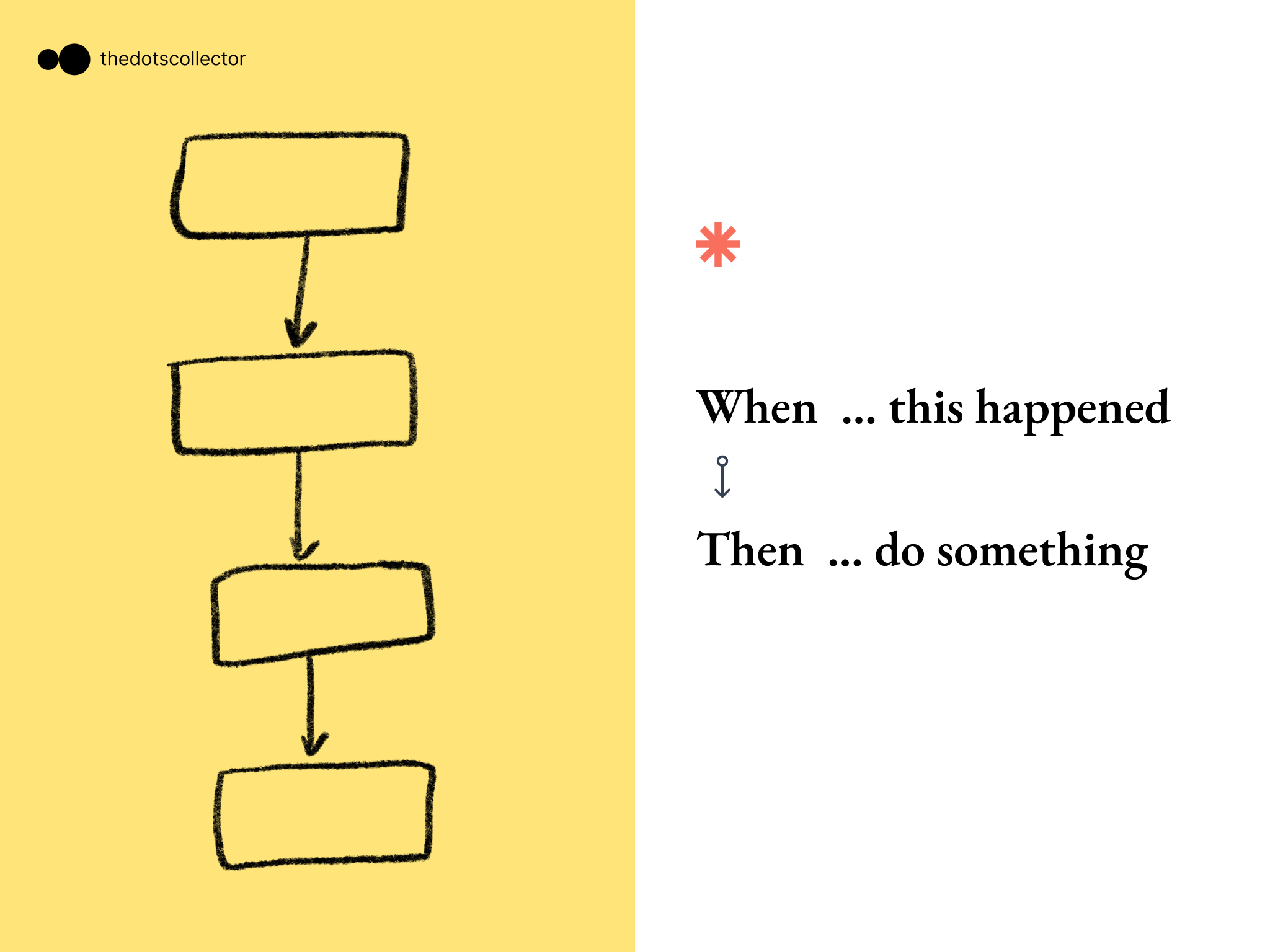
เทคนิคการบอก AI ให้ทำบางอย่างแบบเป็นขั้นเป็นตอน ซึ่งจะลดความผิดพลาดได้ค่อนข้างมาก เป็นทั้งการเรียบเรียงความคิดของเรา และเรียบเรียง Flow ของ App เรา ที่สำคัญเลย ควรจะบอกแค่ 1 อย่างต่อครั้ง และพยายามหั่น Flow ให้เล็กเข้าไว้ เพื่อไม่ให้ AI คิดเลยเถิดไปไกล
#1
WHEN user Click on the Get Start Button.
THEN navigate them to the login page.
#2
WHEN user logged in success
THEN navigate them to the homepage
#3
WHEN user click on the card
THEN show the detial on that card in the popup.
#4
WHEN then Homepage is loaded
THEN fetch the User's data and show Hello {User's name}
If something is true we do A, If it’s not true we do B instead
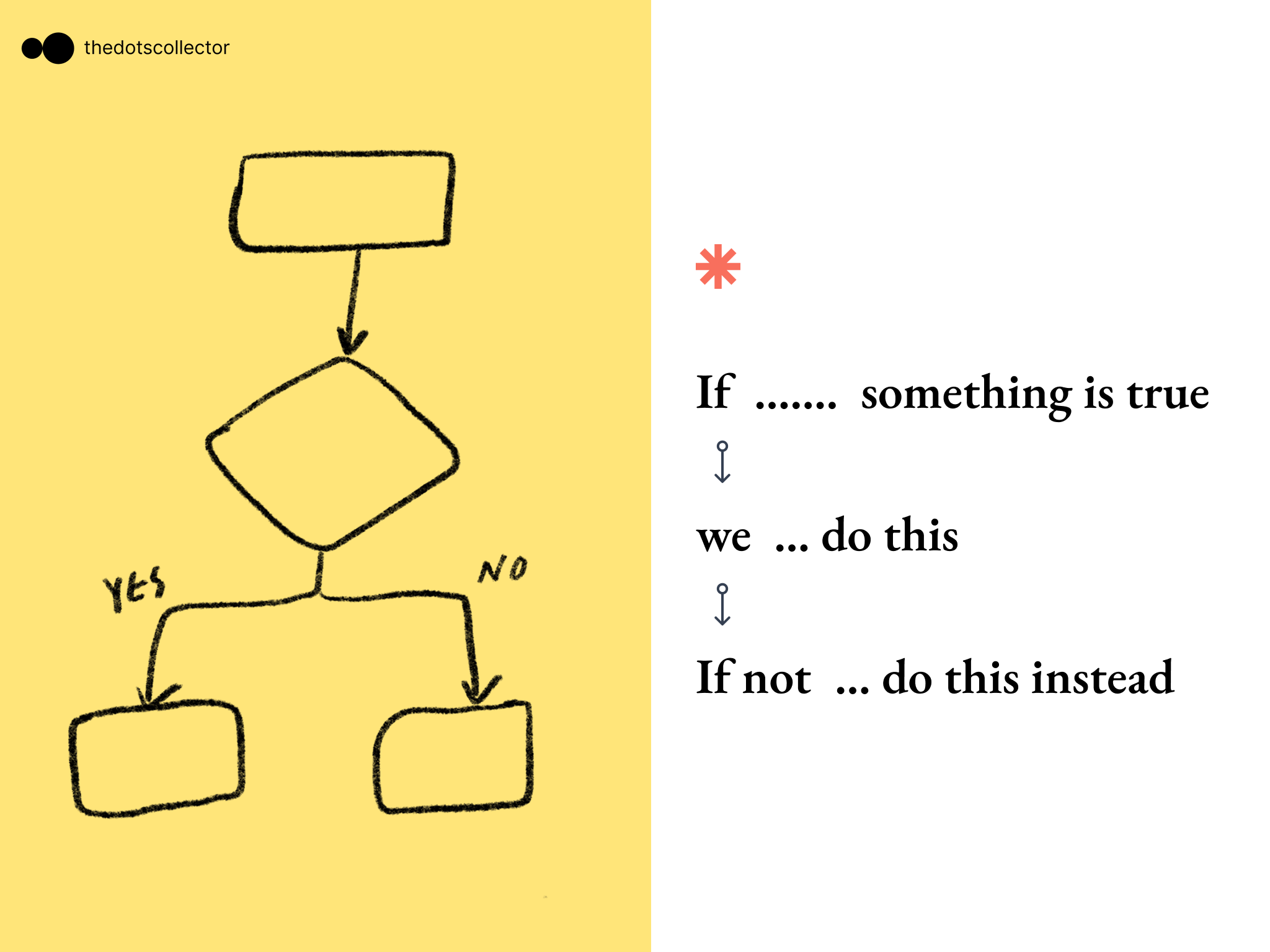
If-else เรียกได้ว่าแทบจะเป็นพื้นฐานสำคัญอันดับต้นๆของ programing เลยก็ว่าได้ ซึ่งเราจะใช้พวก condition แบบนี้ค่อนข้างบ่อย ประโยคนี้จึงสามารถช่วยได้ในกรณีที่เราจะให้ condition กับ Flow บางอย่างหรือ Element บางอย่าง
#1
IF user id logged in keep them in homepage.
IF user isn't logged in we should not allow them to enter the Homepage.

#2
WHEN the button get started is click IF user plan is empty -> navigate them to the pricing page
IF user plan is not empty -> show the welcome popup

#3
IF user have no plan -> show "Get plan" button on the page with CTA color
IF use have a plan -> show the {plan name} on that button with secondary color
Create {something}… for {Purpose}, on that thing should include {component}
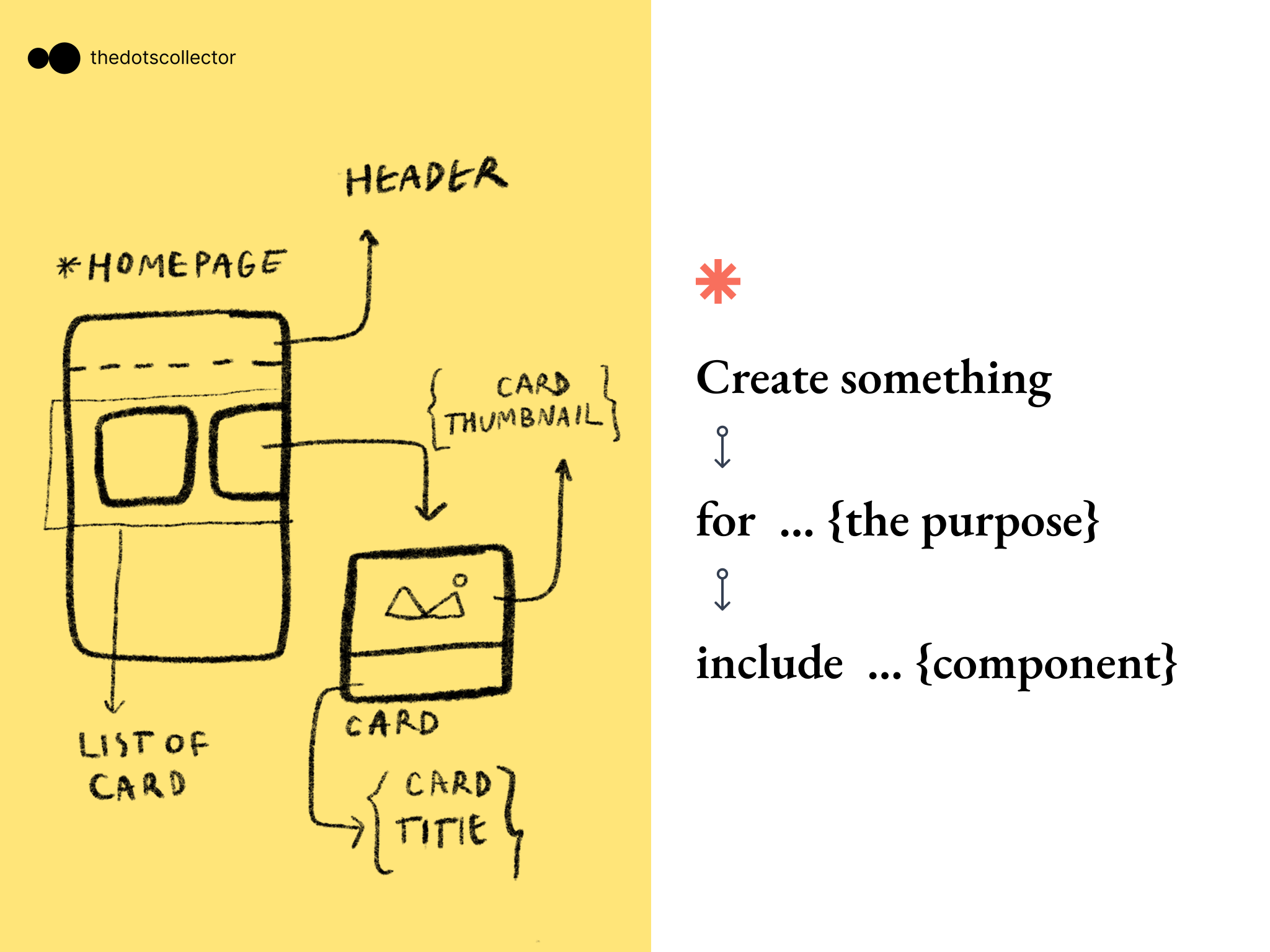
การบอกให้ AI สร้างบางอย่าง ถ้าเราบอก Purpose ไปด้วยจะดีมากๆ และพยายามอธิบายสิ่งที่เราต้องการบนหน้านั้นให้ครบถ้วน นอกจากนั้น ถ้าเราใช้ศัพท์ทางเทคนิคก็จะได้ component ที่ตรงใจมากขึ้น ส่วนตัวเราชอบเข้าไปดูใน Link ของ Shadcn component. ชื่อเรียกพวกนี้ช่วยให้เราได้ component ที่ถูกต้องมากขึ้น ลองเข้าไปดูได้ที่ลิงค์นี้เลย https://ui.shadcn.com/docs/components/collapsible
#1
CREATE a Homepage for showing all the Notes data.
on the Homepage should include
1. The Header which having a the logo and app name on the left.
2. The container of the list of Note data that showing on the Grid of Card.
You should create the Card component on the UI folder and import to use in Homepage.

on the card component,
we need
1. card thumbnail
2. card title
In {Page} please add {Something}
การ reference ถึง Page จะช่วยให้ AI ทำงานได้เร็วขึ้นและไม่มั่ว เราสามารถเดาๆ ได้ว่า code นี้อยู่ไฟล์ไหน โดยการลอง Search หาคำในช่อง search หรือ ดูบริบทจากการ import ใน code
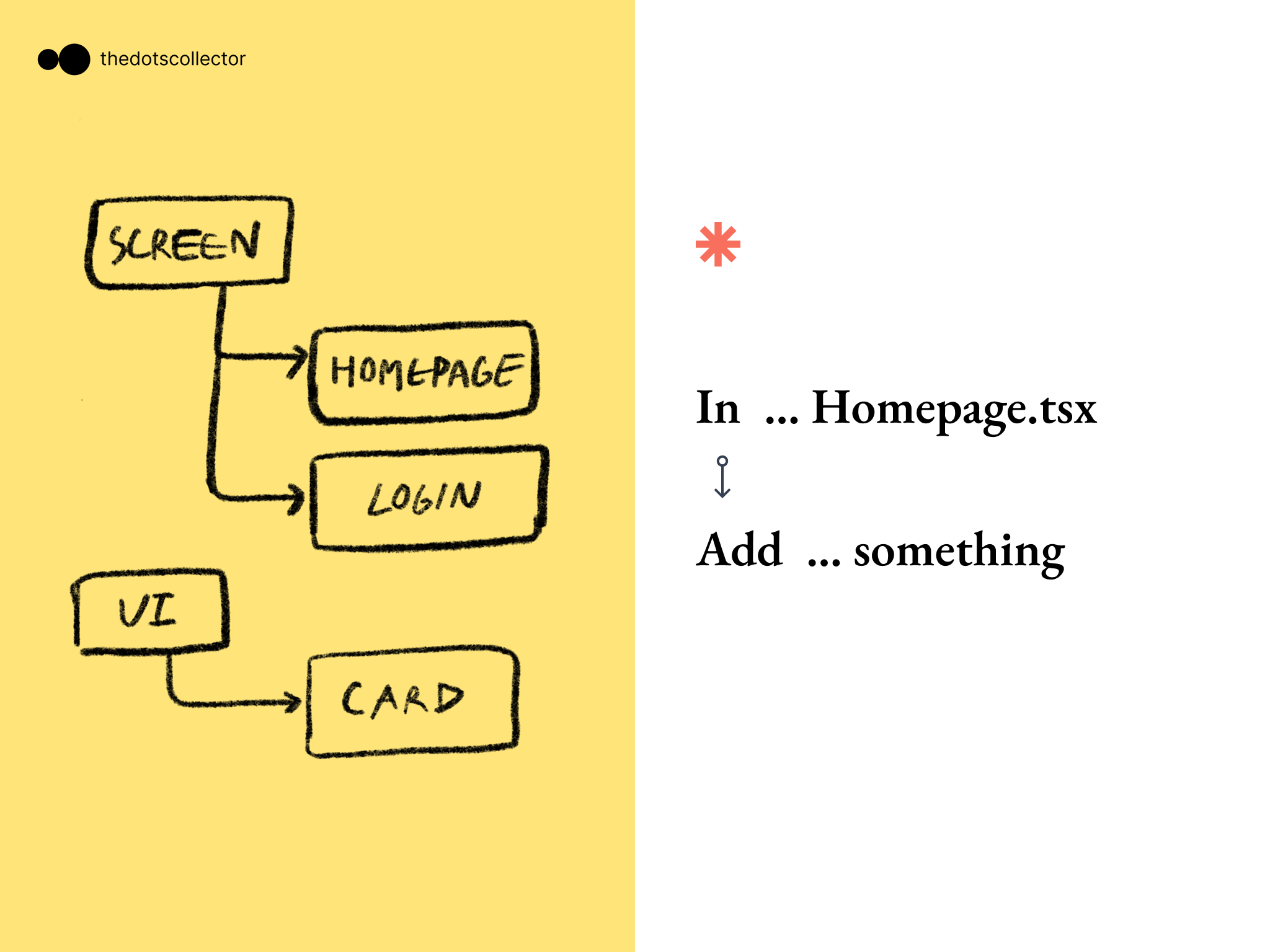
#1 In the Homepage.tsx we need to add more section.
this section will be place under the hero section.

the section include :
จริงๆ แล้วยังมีอีกหลายๆ เทคนิคเลย แต่แนทว่าแค่ 4 อันนี้ ก็น่าจะทำให้บทสนทนาลื่นไหลได้มากขึ้นแล้ว
.
ไว้เจอกัน บทความหน้าฮะ

Natt
No rule of Life